How ReferFlow Works
ReferFlow focuses on triage coordination, not simply routing referrals and it does so through a simple, intuitive app designed for busy clinical teams.
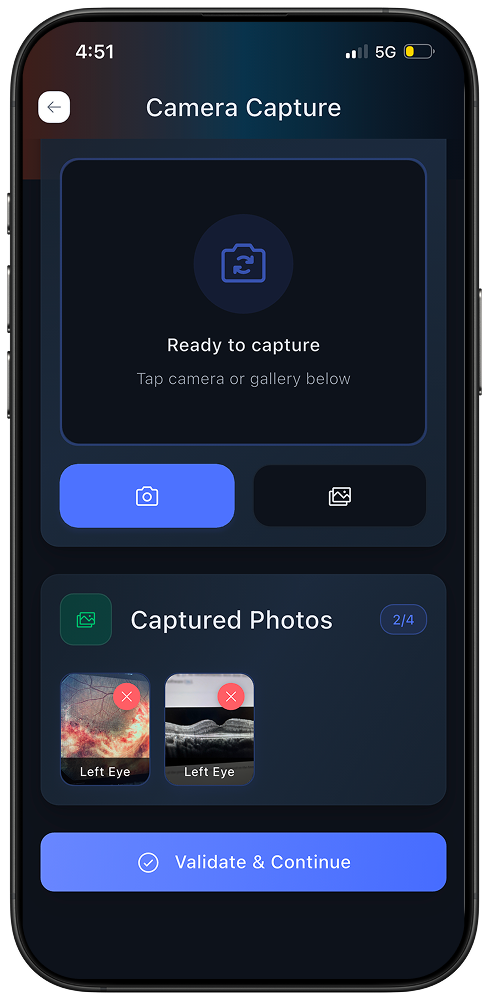
Submit a structured, image-based case
Using the ReferFlow app, the optometrist submits relevant retinal images and clinical context through a guided workflow designed to ensure clarity and completeness from the start.
Specialist triage review
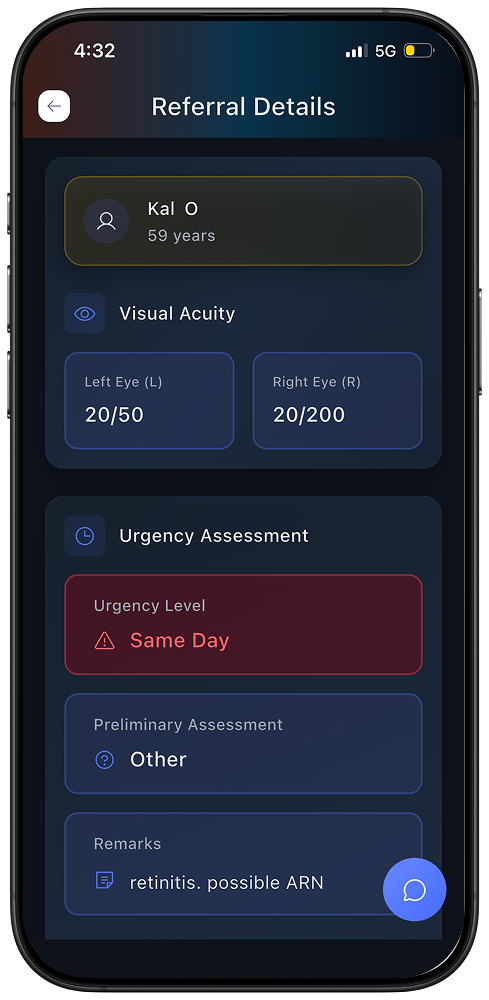
A participating retina specialist reviews the case in the app and provides triage guidance, such as:
whether specialty care is indicated
the appropriate level of urgency
whether monitoring and follow-up with the patient is appropriate.
This guidance helps inform next steps and timing of specialty care, while the optometrist remains responsible for overall patient management.
Coordinate scheduling
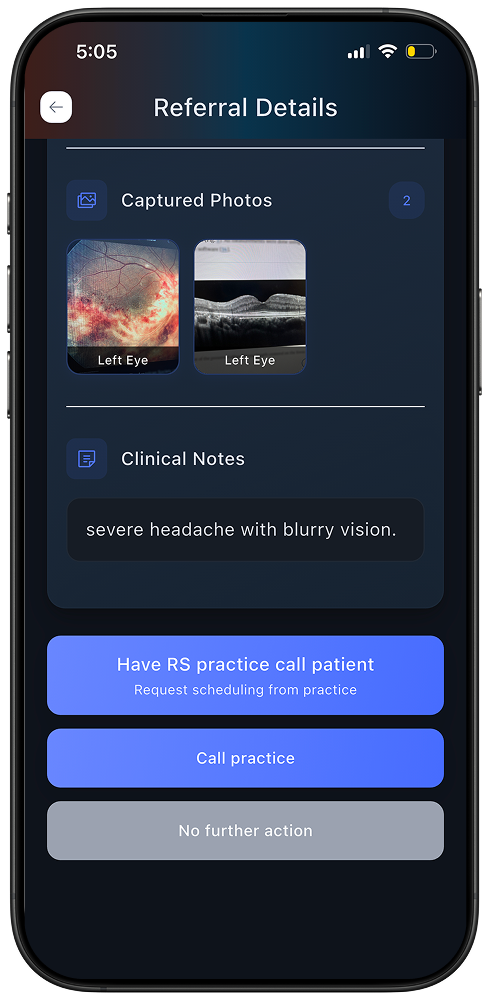
When specialty care is recommended, next steps are coordinated through the app and integrated into existing clinical workflows.
The specialist’s scheduling team may contact the patient directly, or scheduling may be coordinated through the optometrist’s office, at the OD’s discretion.
Referral status and scheduling updates flow back into the referring practice’s workflow, reducing manual follow-up and handoffs.
Closed-loop visibility
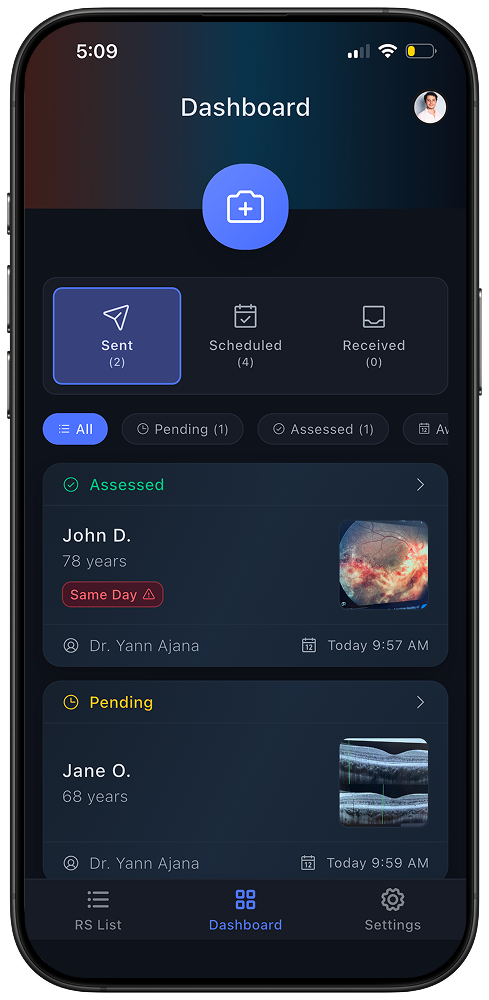
ReferFlow provides clear, closed-loop visibility into referral status, from initial review through scheduling, so optometrists and staff can see what’s happened without chasing updates.
Referrals move forward with documented next steps, rather than disappearing into a black box.
Designed for Trust and Clinical Independence
ReferFlow does not make diagnoses or replace clinical judgment.
Referring optometrists retain full discretion over patient care decisions.
Participation is voluntary and non-exclusive.